User Guides
Learn how to make the most of Fast IPTV Player with our comprehensive guides and tutorials.
This guide will walk you through the installation process for different platforms, help you set up your first IPTV playlist, and introduce you to the core features of Fast IPTV Player.
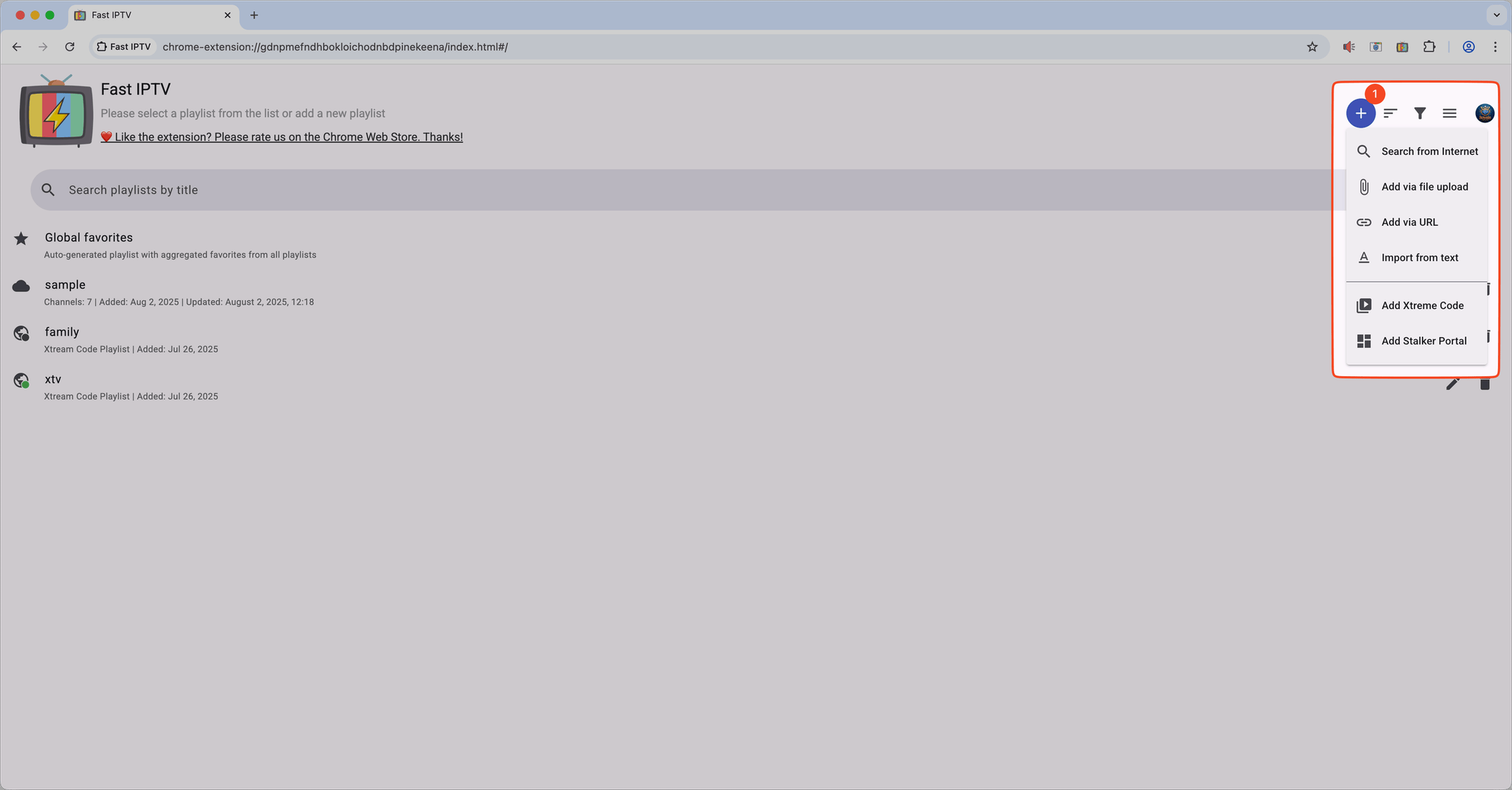
View installation optionsLearn how to add IPTV playlists to Fast IPTV Player using M3U URLs or local files. This guide covers importing playlists, organizing channels into groups, and managing your channel favorites for easy access.
Adding IPTV Playlist
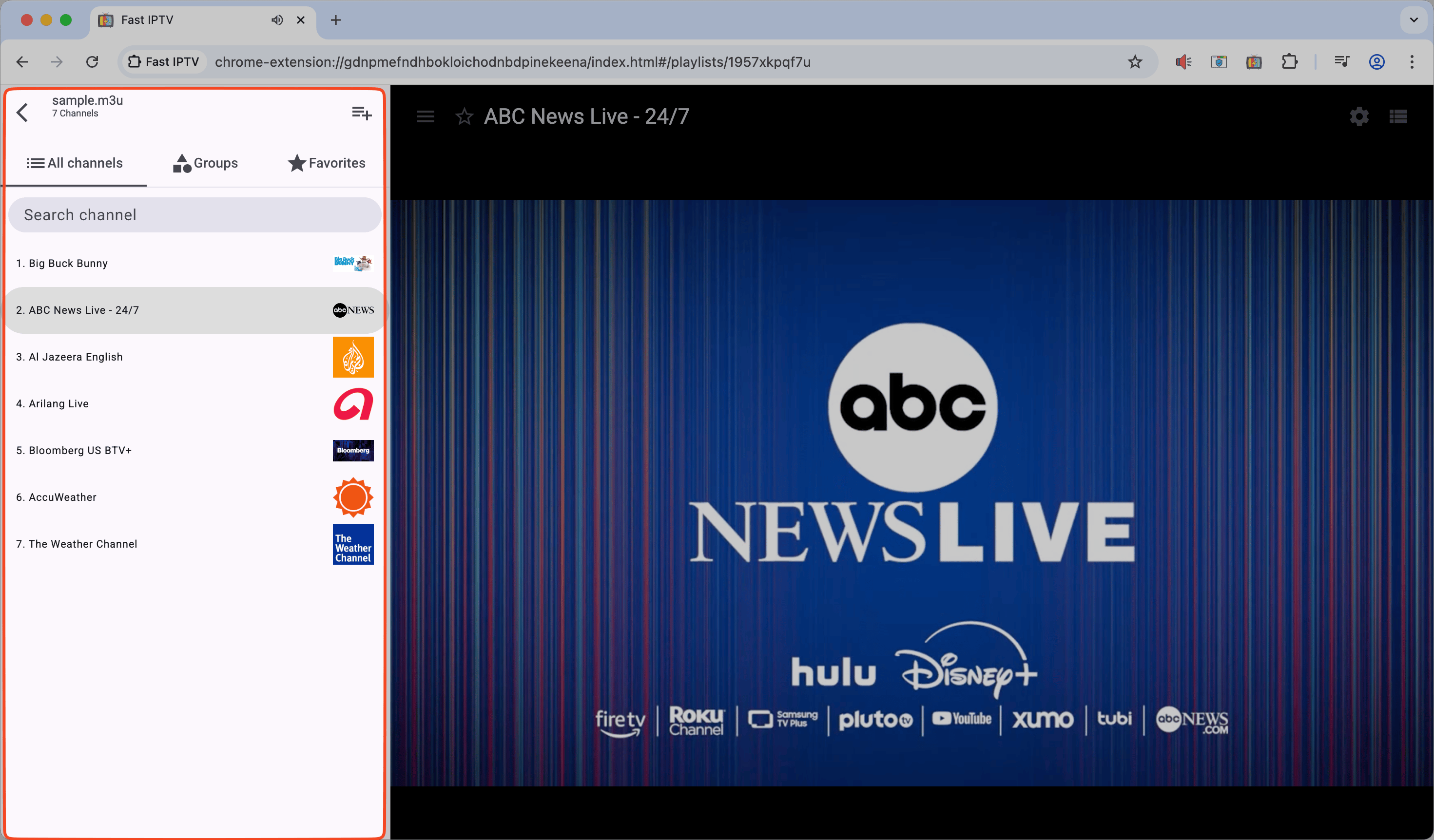
Discover how to efficiently navigate through your IPTV channels using the channel list, search functionality, and category filters. Learn keyboard shortcuts and remote control navigation to quickly find and switch between your favorite channels.
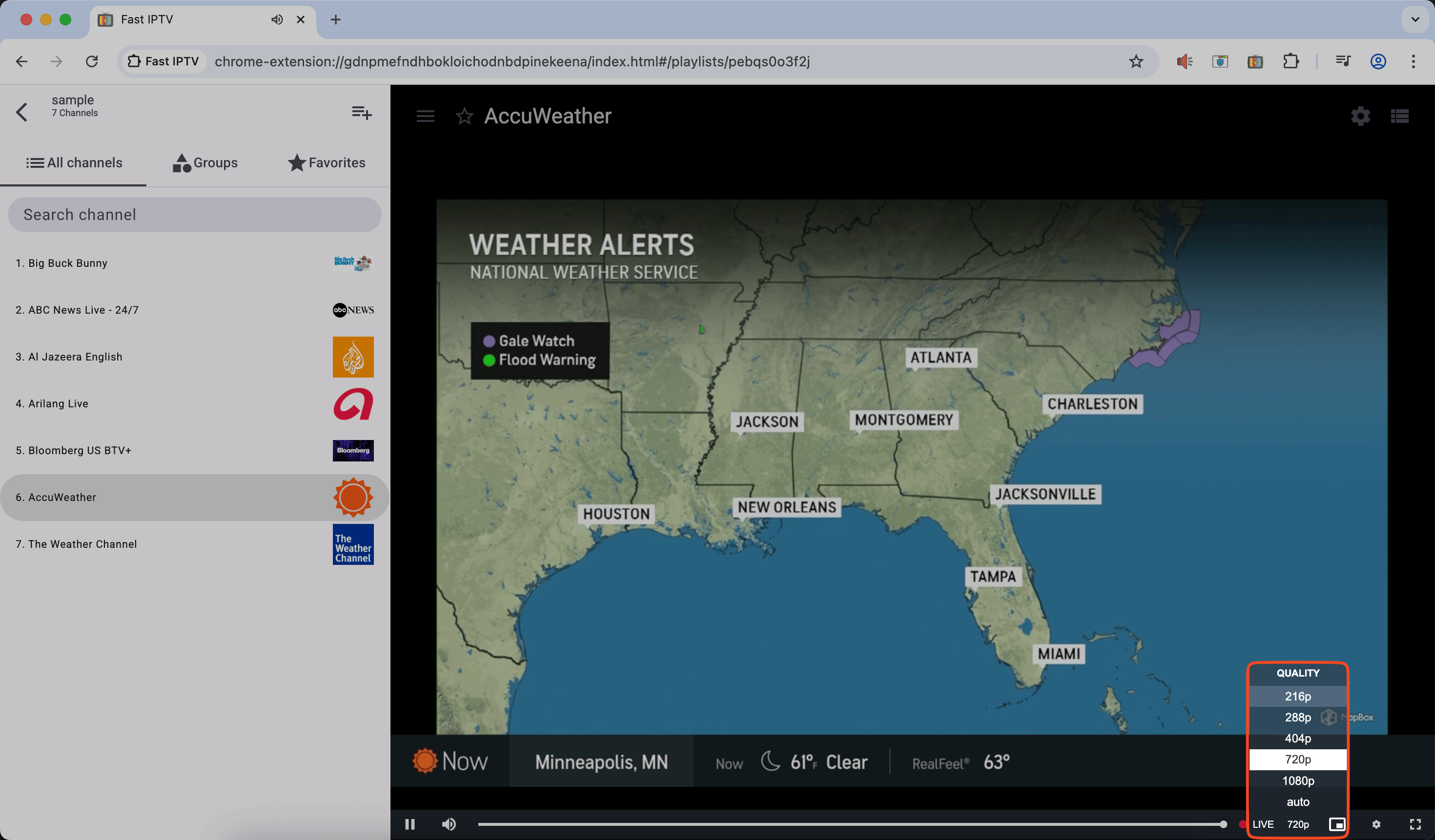
Learn how to adjust video quality settings to optimize your streaming experience. This guide covers resolution selection, buffer settings, and hardware acceleration options to ensure smooth playback based on your internet connection and device capabilities.
Video Quality Settings
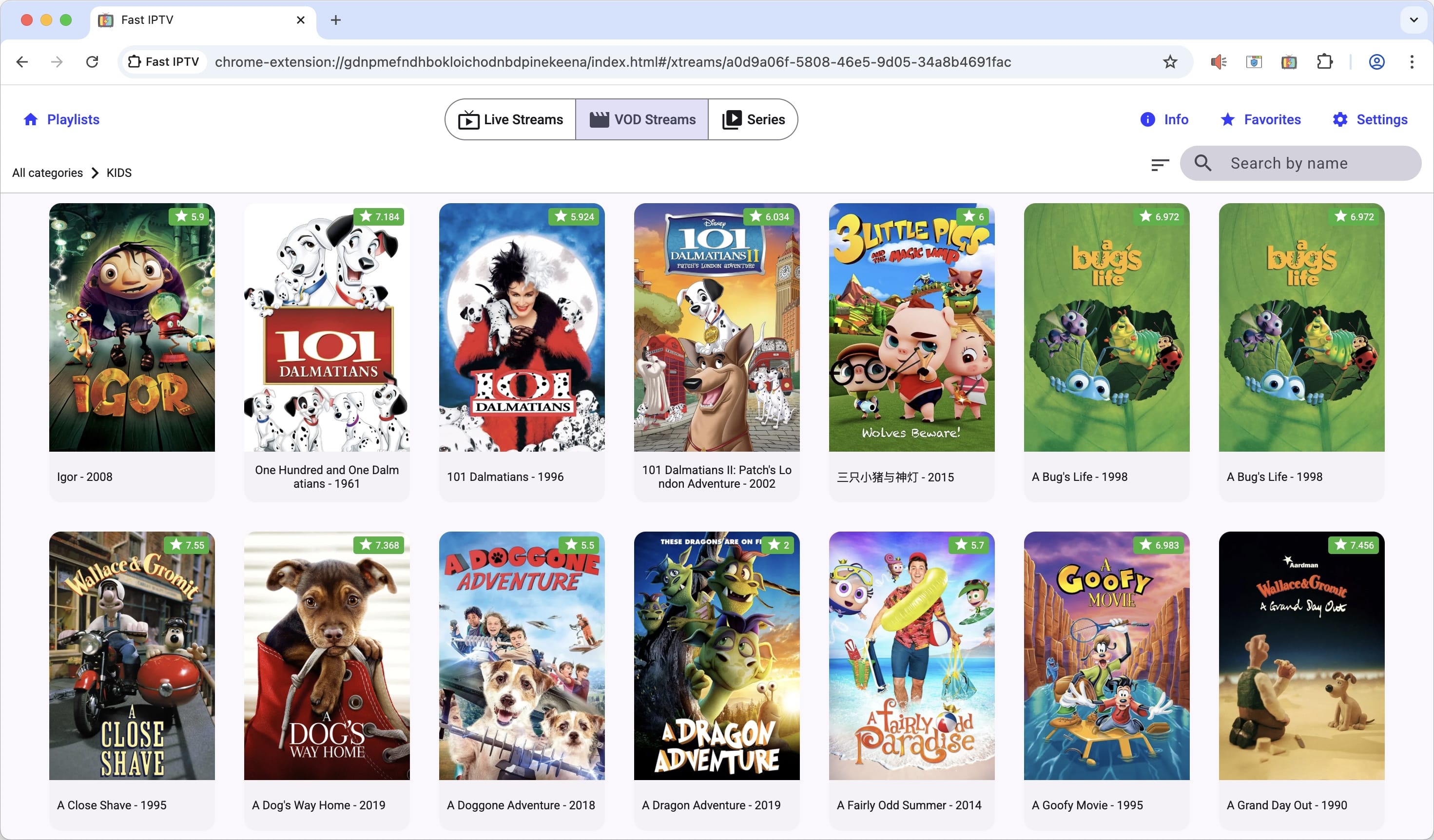
Fast IPTV Player provides comprehensive support for both Xtream Codes API and Stalker Portal, allowing you to conveniently watch Live Streams, VOD streams, and series. Whether you're streaming live television channels, on-demand movies, or binge-watching your favorite TV series, our player delivers a seamless viewing experience across all content types.
Live Streams, VOD Streams and Series
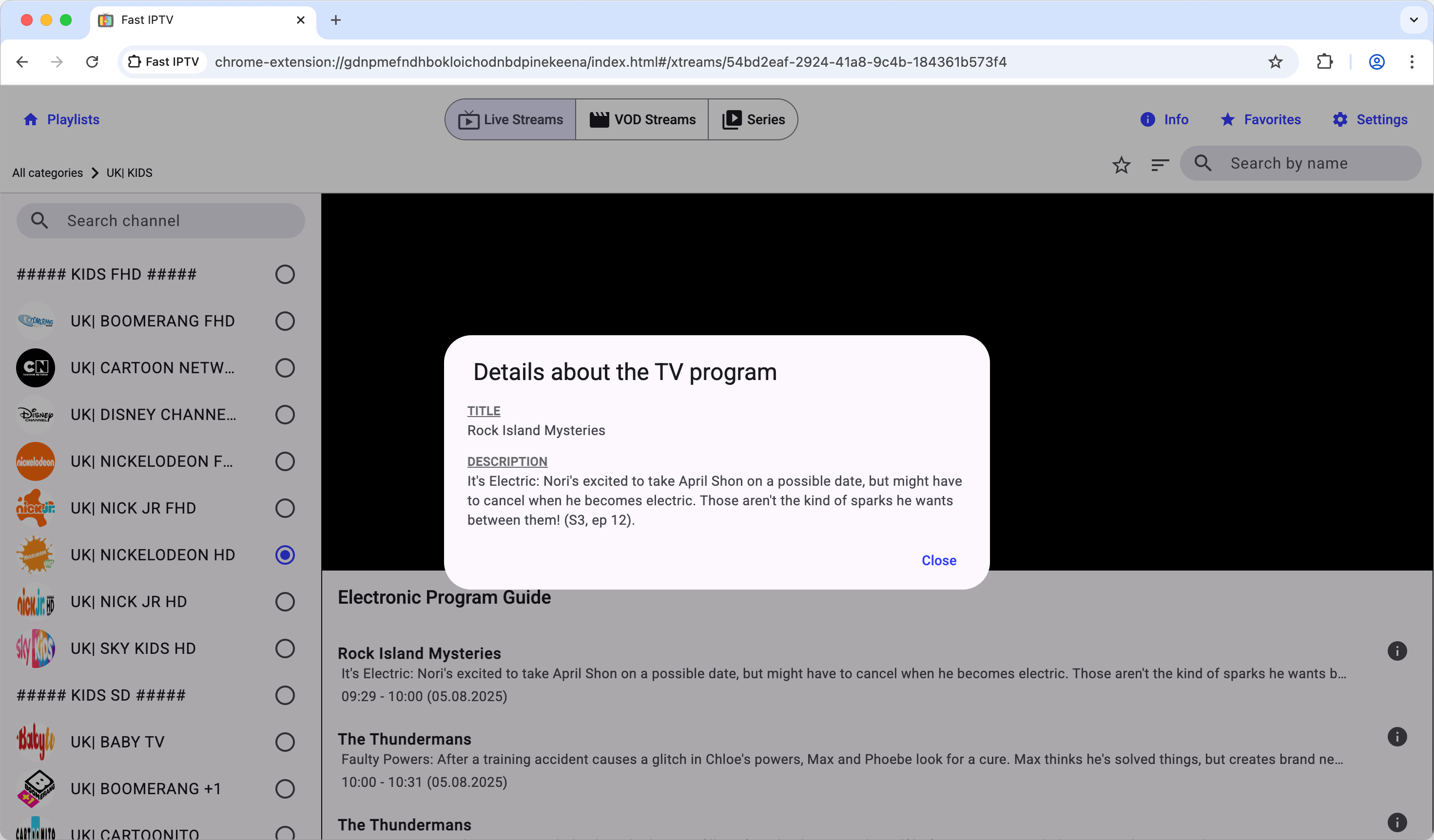
This guide explains how to use the Electronic Program Guide (EPG) to view TV schedules(EPG depends on Your IPTV Provider), and access detailed program information. Learn how to navigate through different time slots and channels to plan your viewing experience.
EPG Program Guide
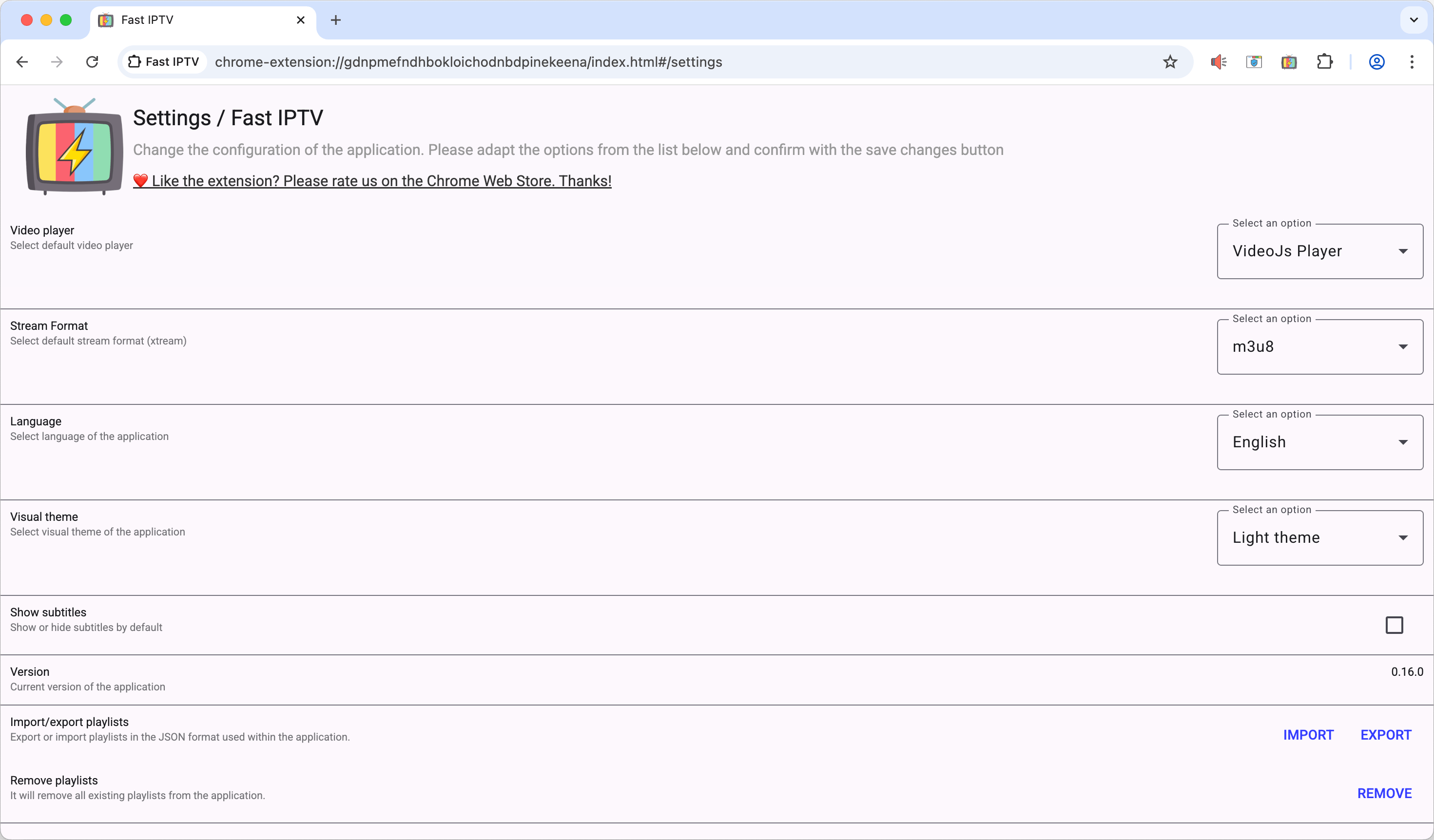
Explore powerful advanced features including multi-language support, customizable theme colors, subtitle toggle controls, and comprehensive data import/export functionality. This guide covers all the advanced tools available in Fast IPTV Player to personalize and enhance your streaming experience.
Advanced Features Overview